
Athlete experience
Train with measurable movement quality
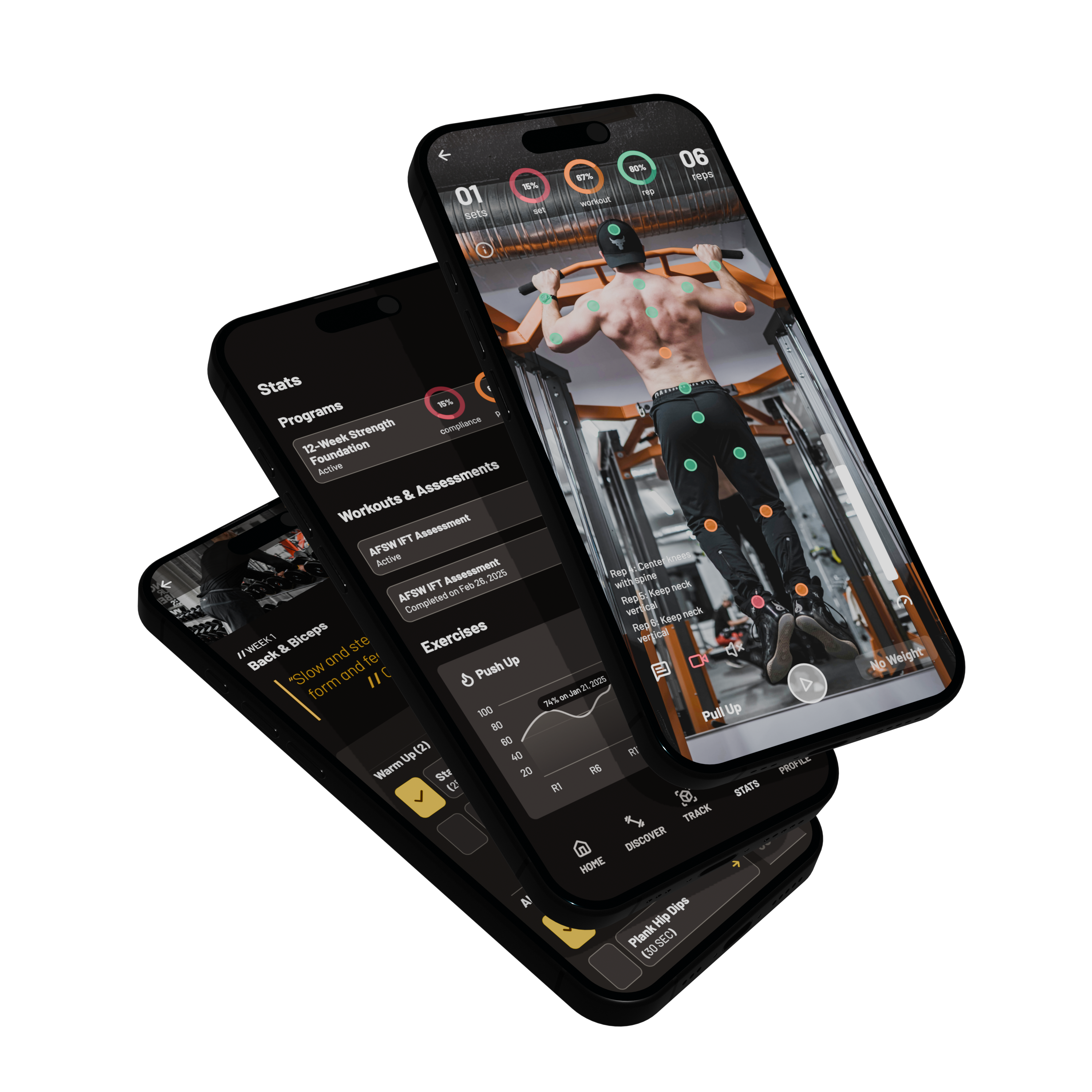
POSE helps athletes complete workouts, capture form and velocity metrics, track progress, and stay connected to coaches and marketplace programs — on web and mobile.
Markerless tracking · Form scoring · Programs · Nutrition · Progress
Outcomes that matter
Built around what you can accomplish inside POSE — not a generic feature dump.
See how you move
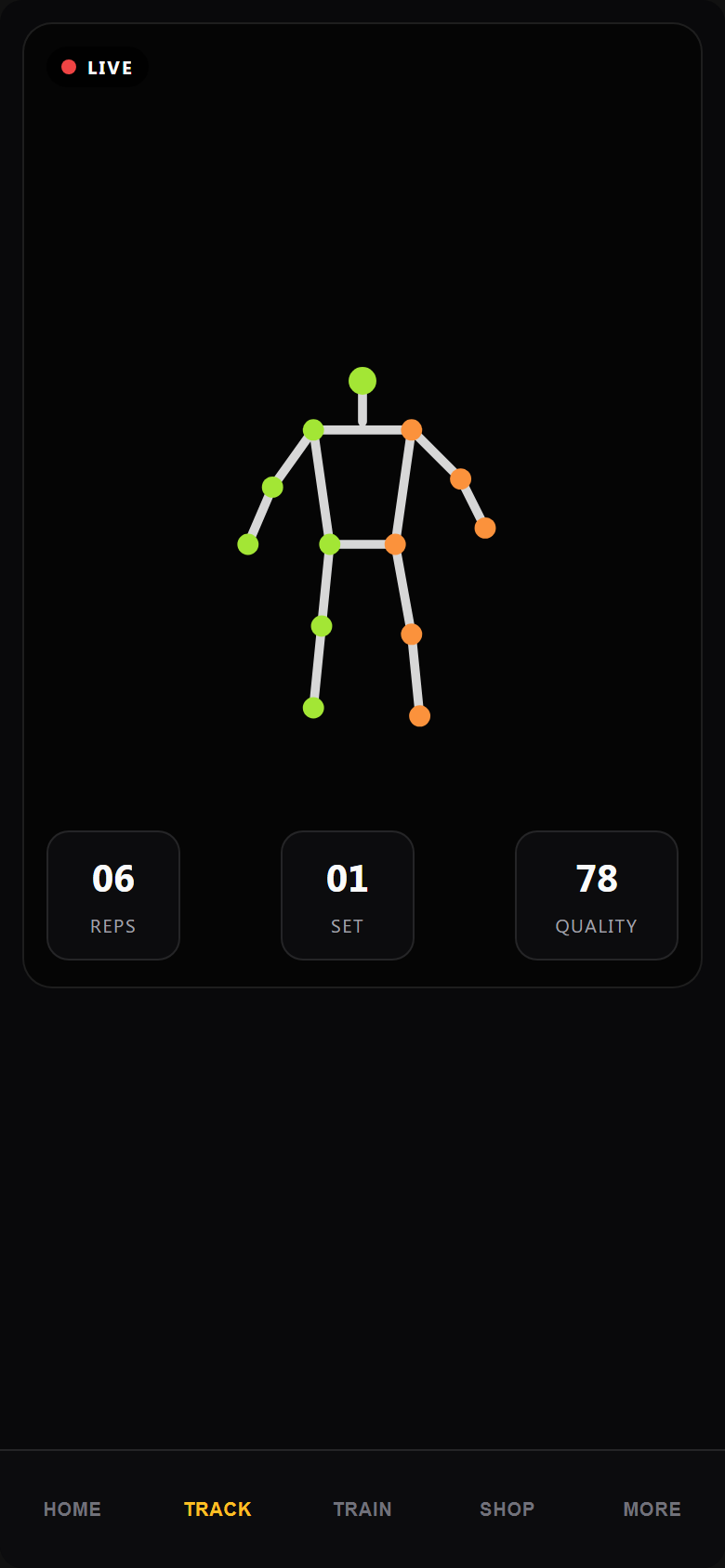
Markerless live and uploaded-video analysis scores form, range of motion, reps, and velocity without wearables.
Train with structure
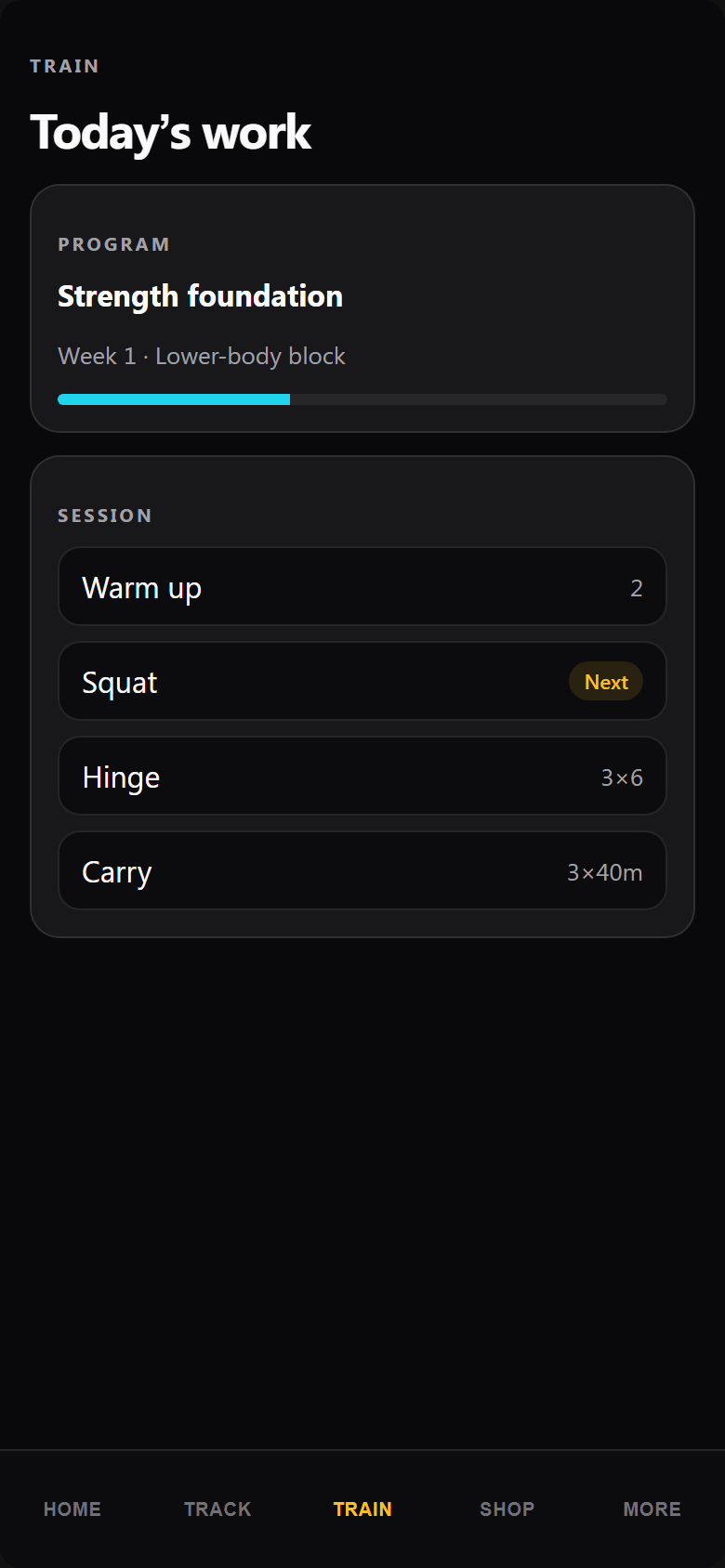
Follow personalized workouts, assigned programs, and athlete assessments instead of scattered notes and apps.
Track real progress
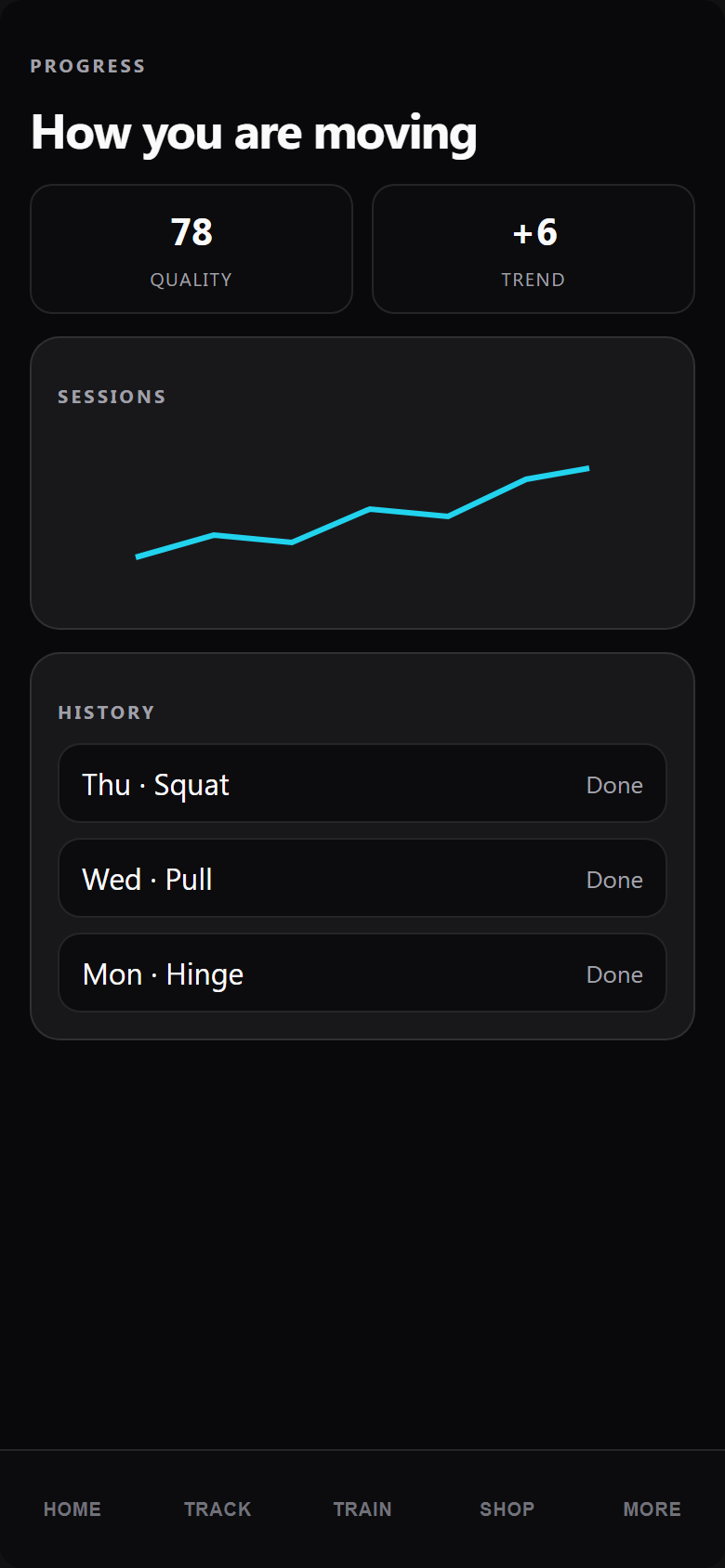
Workout history, streaks, total and weekly tonnage, and average form score show whether training is compounding.
Stay fueled and connected
Log nutrition, discover marketplace programs, join Champion referrals, and work with coach-assigned content.
How athletes use POSE
Step 1
Start Athlete Membership
Sign in and complete test or live checkout for Athlete Pro.
Step 2
Complete account setup
Answer a short profile so training defaults match your goals.
Step 3
Select a goal or program
Start with assessments, marketplace content, or coach assignments.
Step 4
Complete a workout or assessment
Train live or upload video for movement analysis.
Step 5
Track progress over time
Build streaks, tonnage, and history you can share with a coach.
Feature showcase
Prioritized capabilities already supported in the POSE V2 experience for this account type.
Movement intelligence
Core tracking capabilities available in the athlete interface.
- Markerless movement tracking
- Live camera and uploaded-video analysis
- Form scoring and ROM tracking
- Rep counting and velocity metrics
- Athlete assessments and session reviews
Training & progress
Stay consistent with clear programming and measurable outcomes.
- Personalized workouts and assigned programs
- Workout history and training streaks
- Total tonnage, weekly tonnage, average form score
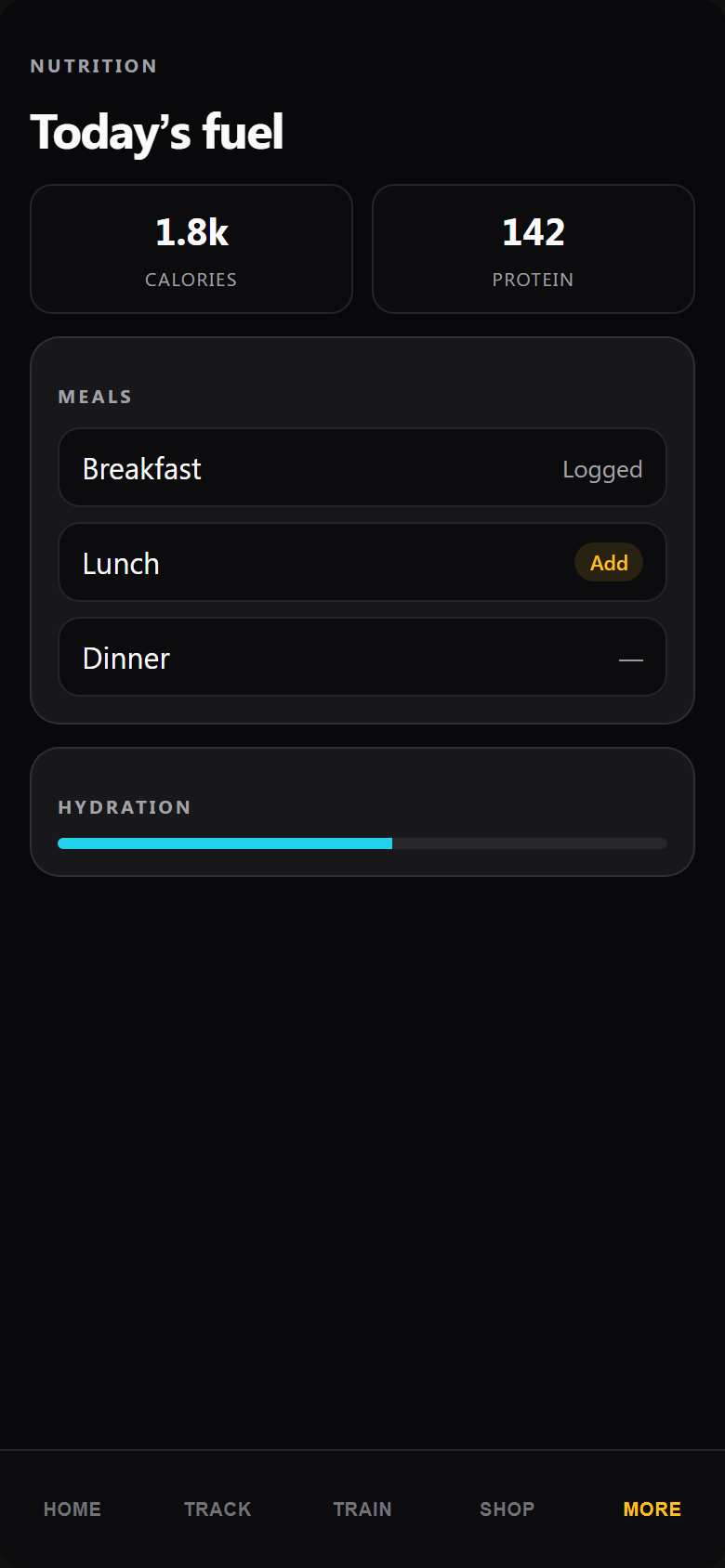
- Nutrition and meal tracking
- Mobile and web access
Ecosystem access
Athletes connect to coaching and commercial content inside POSE.
- Coach-assigned content
- Marketplace programs and resources
- Champion referral program
- Premiere Tools where entitled
Your athlete home after signup
A clear training day view with progress signals, movement tools, nutrition, and marketplace access — unlocked according to your subscription or QA access state.
Start Athlete MembershipAthletes in the POSE ecosystem
Discover programs and products in the Marketplace, complete coach-assigned work, and share movement data that improves coaching decisions.
- Browse Marketplace programs and resources
- Receive assignments from a POSE coach
- Carry the same account across web and mobile
Start training with POSE
Create an athlete account to open the training, tracking, nutrition, and marketplace experience built for measurable performance.
Frequently asked questions
What is included for athletes?
Athletes get training workflows, movement tracking, progress stats, nutrition tools, and access to coach-assigned or Marketplace content based on entitlements.
What devices are supported?
POSE athletes can use the web app and the mobile app. Live tracking uses a standard camera; uploaded video analysis is also supported.
How does movement tracking work?
POSE uses markerless computer vision to estimate joint positions and derive form, ROM, rep, and velocity metrics — no markers or wearables required for core tracking flows.
Can I upload video?
Yes. Athletes can analyze uploaded exercise video in addition to live camera sessions where the feature is enabled.
Can I change account type later?
Account type is set during onboarding and tied to roles and entitlements. Contact POSE support if you need a different commercial path; query parameters alone cannot unlock another interface.
How does billing work?
Athlete access follows the current subscription model for your environment. Production requires a valid entitlement; QA uses approved demo or test access without creating production charges.
What happens after registration?
You complete athlete onboarding, then land in the athlete interface with training, tracking, and progress tools unlocked according to your access state.