
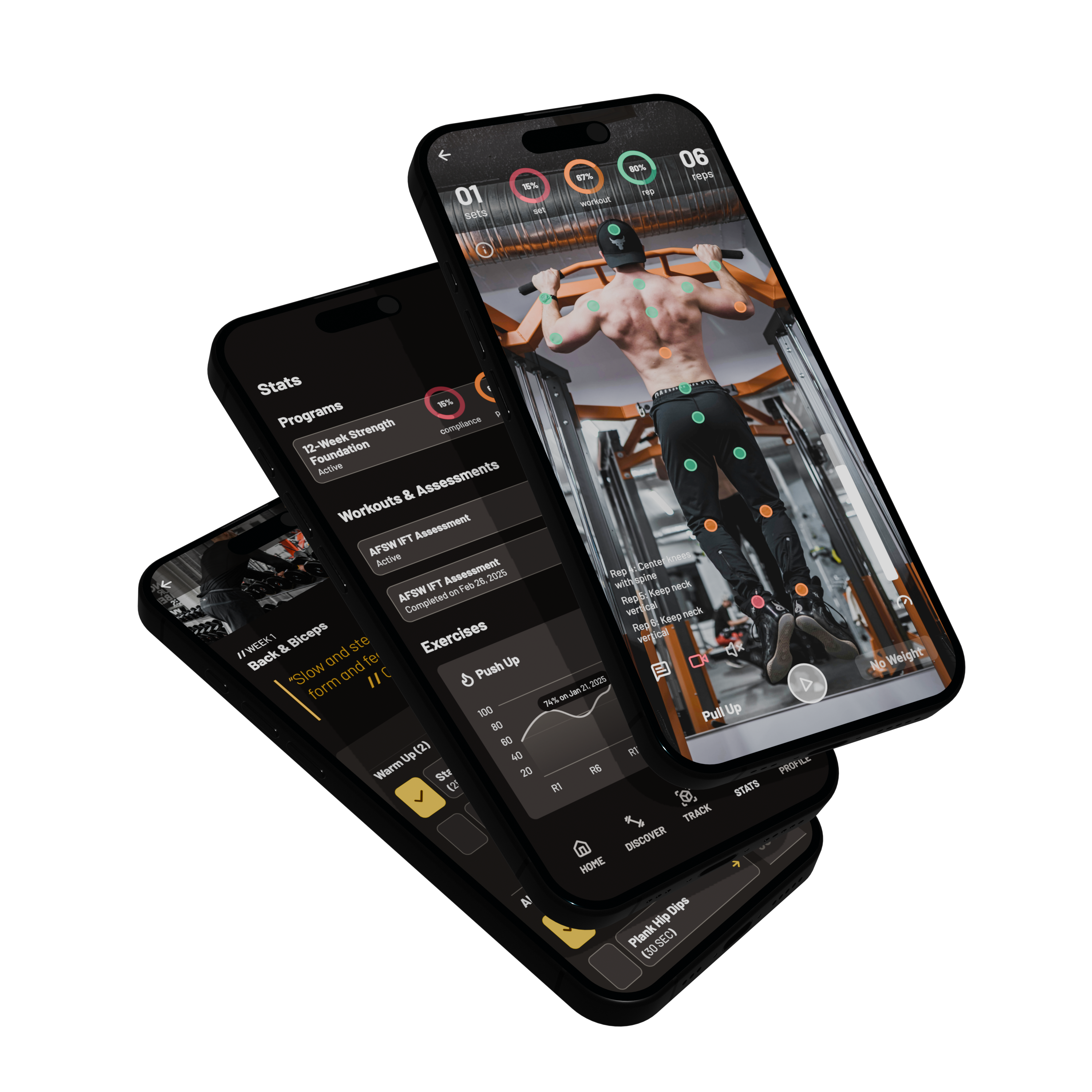
Coach operating platform
Coach clients with movement data and less admin
POSE gives coaches a single operating layer to invite athletes, build and assign programs, monitor compliance, review form analytics, and monetize expertise through Marketplace and Premiere Tools.
Client roster · Assignments · Movement analytics · Marketplace publishing
Outcomes that matter
Built around what you can accomplish inside POSE — not a generic feature dump.
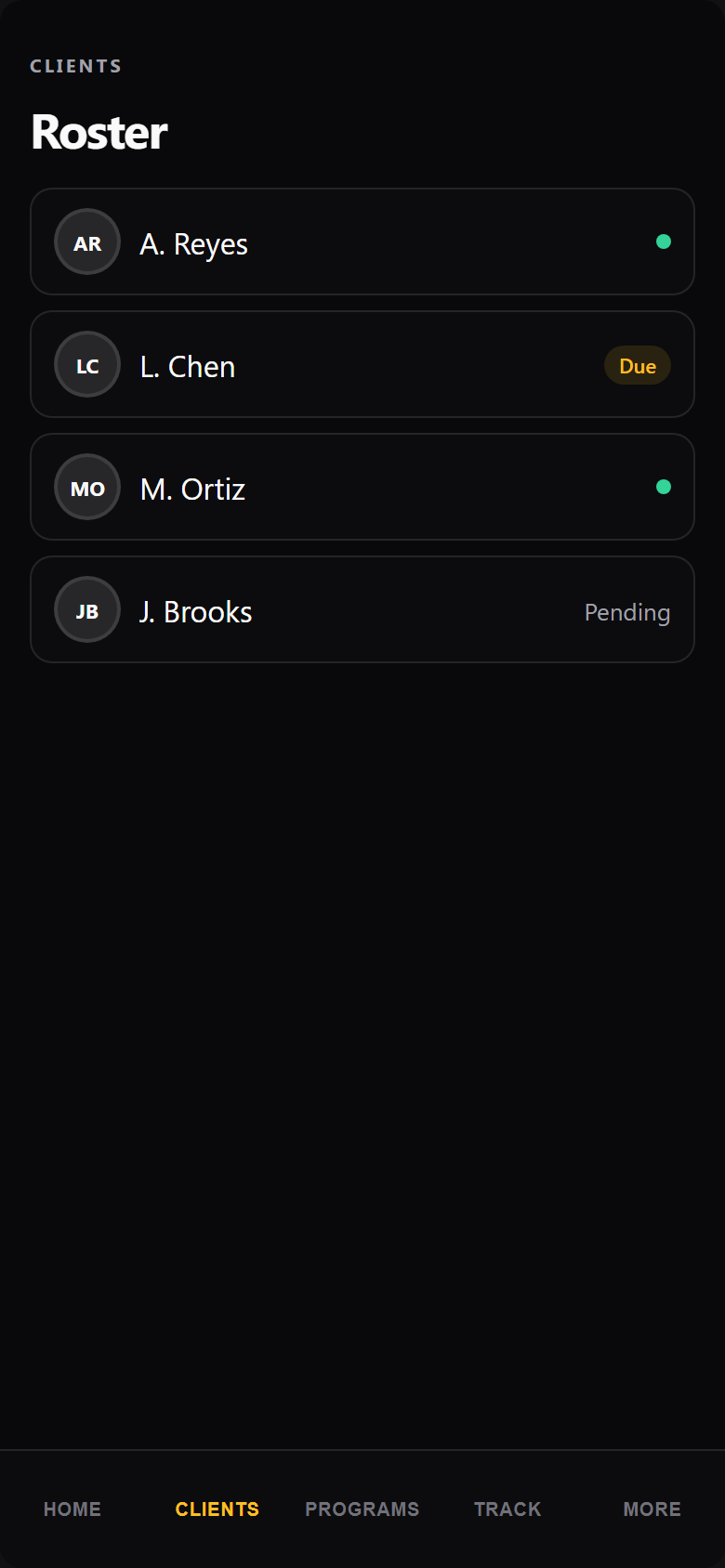
Manage the full roster
Invite athletes, organize clients, and keep assignments, assessments, and reviews in one coaching workspace.
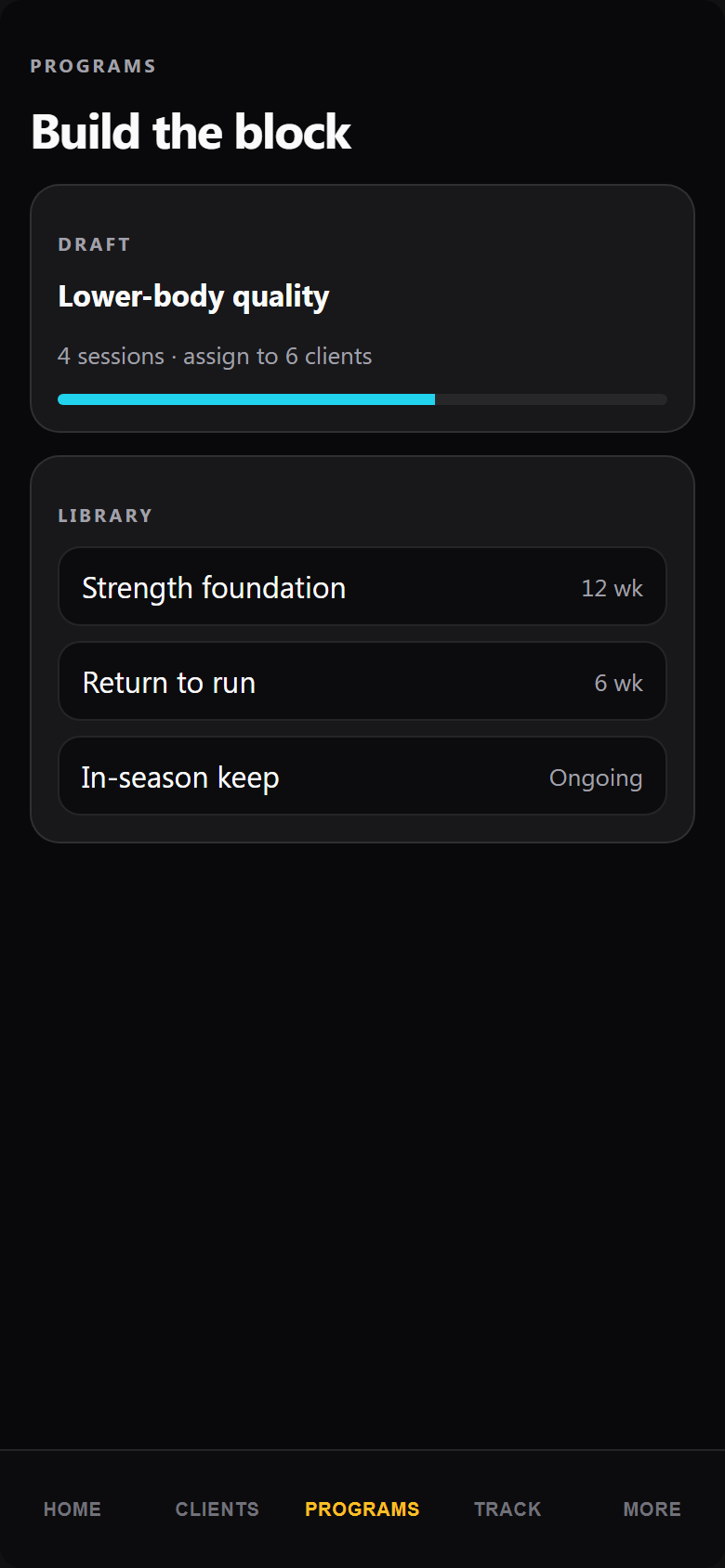
Create and assign content
Build exercises, workouts, programs, and assessments — then assign them and track who completes the work.
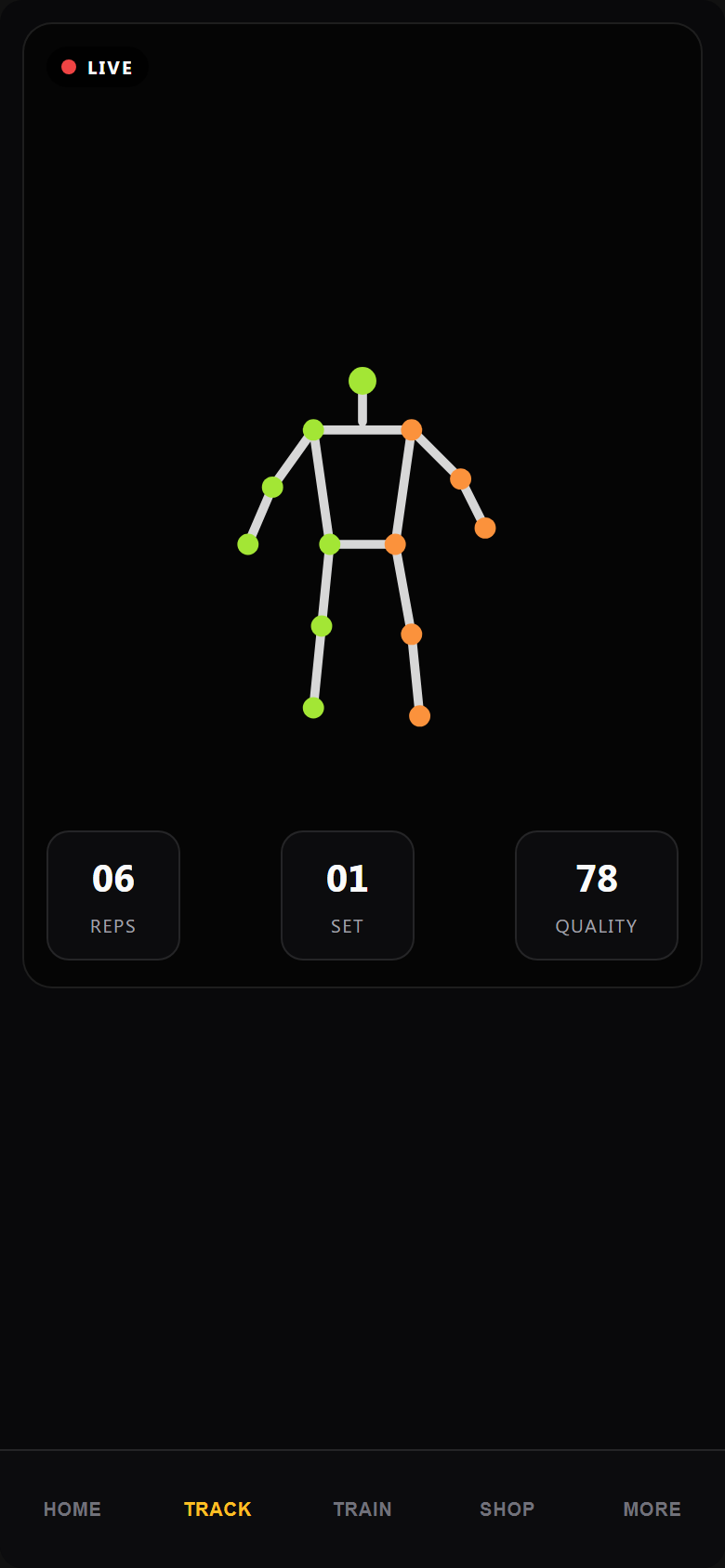
Coach from movement truth
Live markerless tracking and uploaded-video analysis give form and performance signals you can act on.
Monetize your expertise
Publish programs and services, use Premiere Tools, and expand with multiperson tracking as a premium add-on where available.
How coaches operate in POSE
Step 1
Create a coach account
Register and complete coach onboarding.
Step 2
Add or invite athletes
Build your client roster and send invitations.
Step 3
Build or select a program
Use libraries, program builder, and assessments.
Step 4
Assign workouts and assessments
Deliver clear work to each athlete.
Step 5
Review athlete performance
Open progress dashboards, form analytics, and reviews.
Step 6
Adjust training
Update programming based on compliance and movement data.
Feature showcase
Prioritized capabilities already supported in the POSE V2 experience for this account type.
Client delivery
Day-to-day coaching operations.
- Client roster and athlete invitations
- Program, workout, and exercise libraries
- Program and assessment assignment
- Client compliance tracking
- Coach task management
Performance intelligence
Movement-informed coaching decisions.
- Form and performance analytics
- Athlete progress dashboards
- Live markerless movement tracking
- Uploaded-video analysis
- AI-assisted coaching tools where enabled
Business growth
Turn coaching systems into revenue.
- Content creation and Marketplace publishing
- Program sales and monthly income visibility
- Premiere Tools and adaptive program-building
- Multiperson tracking as a premium add-on
- Mobile and web access
Your coach workspace after signup
Roster, assignments, content tools, and performance reviews land in the coach interface — gated by subscription or QA access, not by URL tricks.
Start Coach MembershipCoaches in the POSE ecosystem
Coaches deliver training to athletes, publish sellable content for the Marketplace, and use movement data that athletes generate across web and mobile.
- Assign programs athletes complete in their interface
- Publish offerings athletes and peers can discover
- Use Premiere Tools to differentiate premium services
Start coaching with POSE
Create a coach account to manage athletes, deliver programs, review movement performance, and grow your coaching business.
Frequently asked questions
What is included for coaches?
Coaches get roster management, content creation, assignment workflows, movement analytics, and growth tools such as Marketplace publishing and Premiere Tools based on entitlements.
What devices are supported?
The coach experience is available on web and mobile. Tracking and review flows use standard cameras or uploaded video.
How does movement tracking help coaching?
Athletes complete live or uploaded sessions; coaches review form scores, compliance, and session details to adjust programming with less guesswork.
Can coaches upload or review video?
Yes. Uploaded-video analysis and session review workflows are part of the coaching loop where enabled for the account.
How is Coach different from Merchant?
Coaches primarily manage athletes and deliver training. Merchants primarily publish and sell products, services, or content through the Marketplace ecosystem.
How does billing work?
Coach subscriptions follow the web billing model for your environment. Production enforces paid entitlements; QA uses approved test or demo access without production charges.
What happens after registration?
You complete coach onboarding and enter the coach dashboard to invite athletes, build content, and assign work.